
WordFire!
A little every day, on fire.
Just 3 minutes a day to beat forgetting.
Flashcards and quizzes help you build a habit.
Key Features
Today's review
Review due cards with quizzes. Build a daily habit so you don’t forget.
Spaced Repetition
A proven spaced-repetition algorithm helps you retain words efficiently.
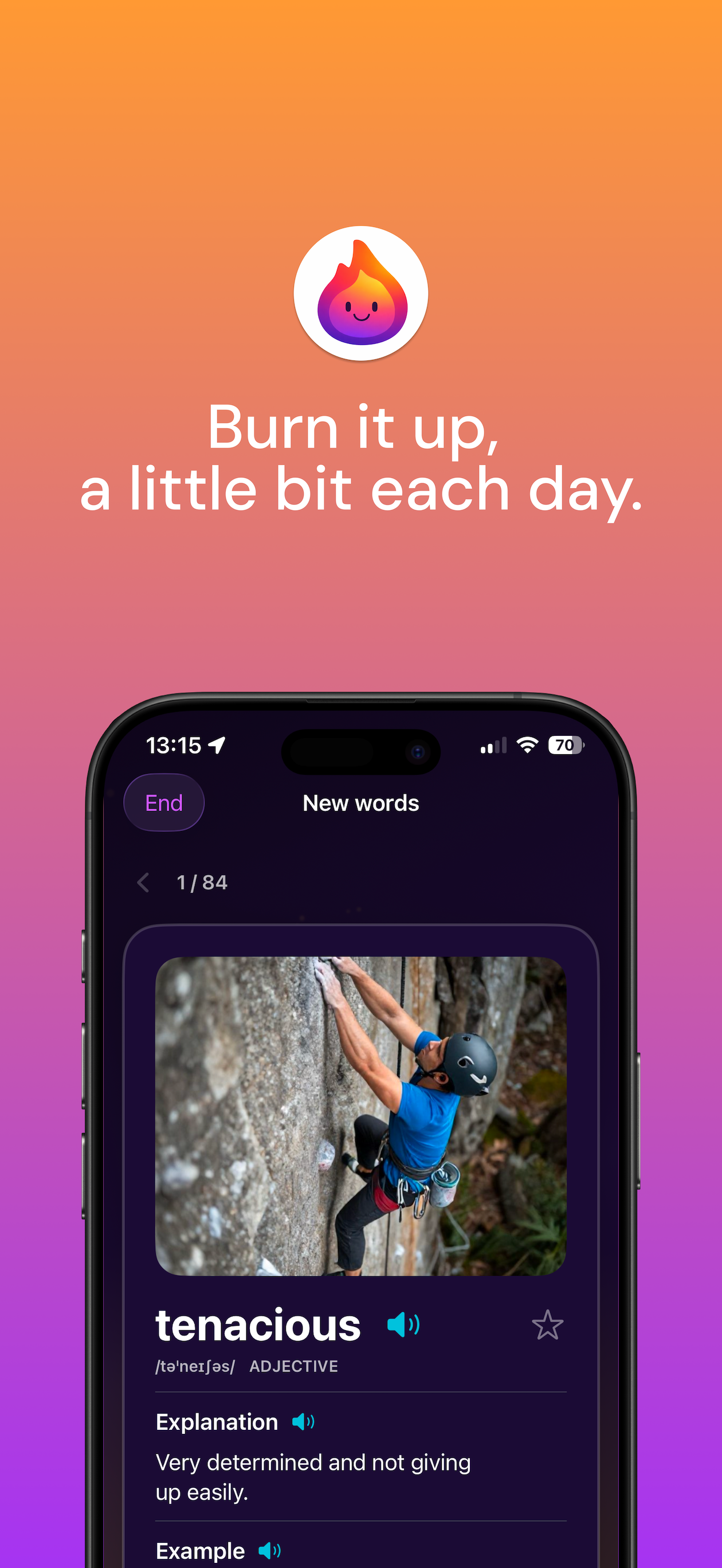
Flashcards
Simple and effective flashcards for fast recall.
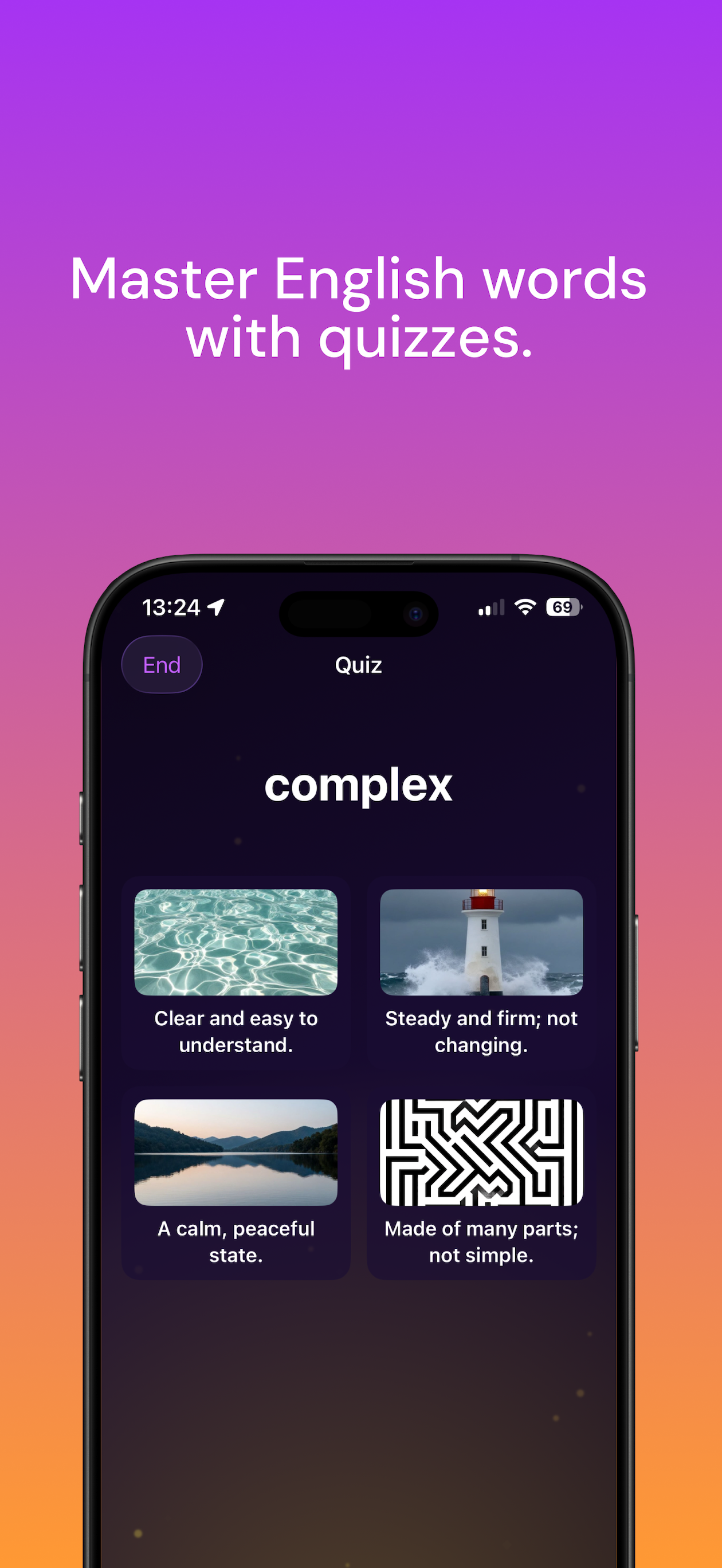
Varied quizzes
Word↔meaning, listen-to-meaning, cloze, and typing—plus images in prompts and choices when available.
Bookmark review
Star words and run a quiz focused on just those bookmarks.
Streaks & XP
Track streak and XP to see your progress. Build a daily learning habit.
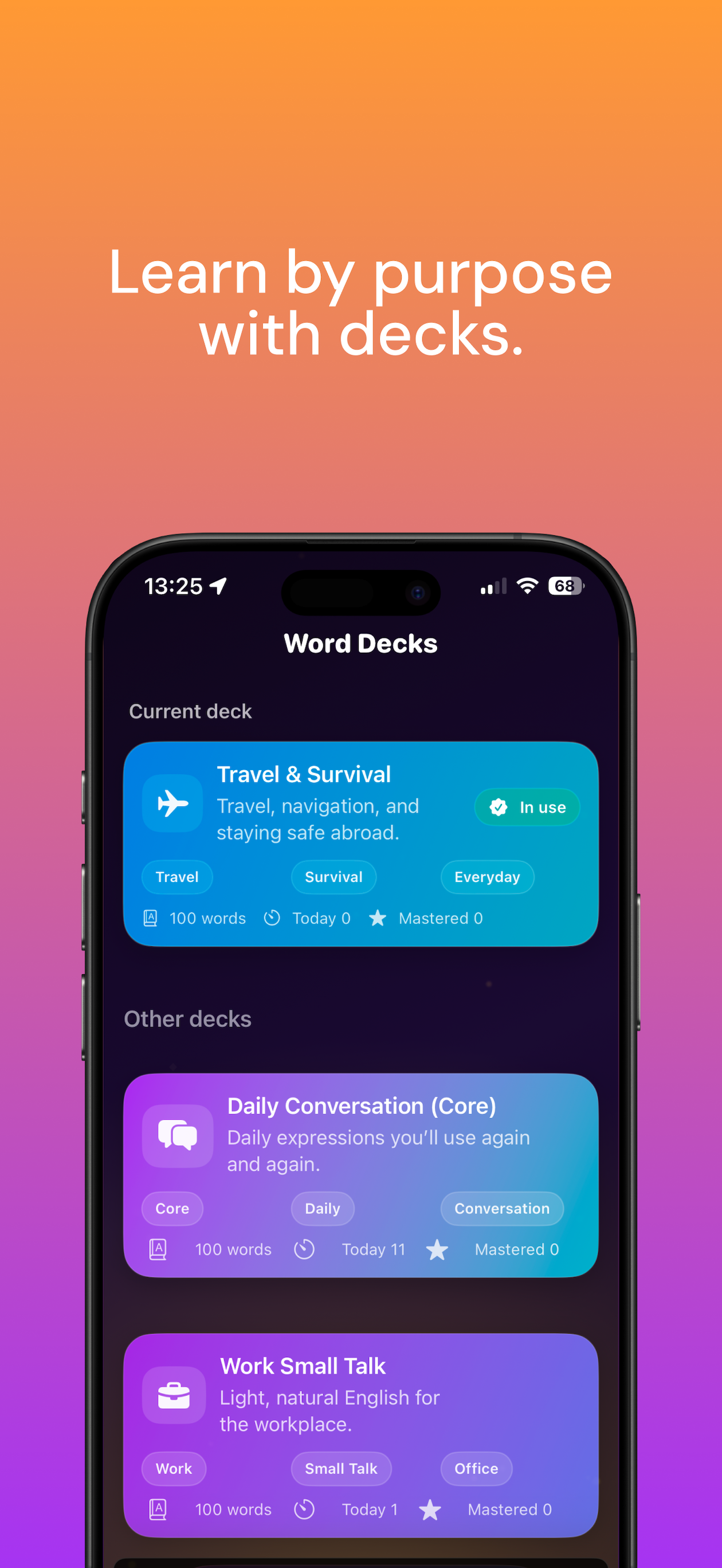
Purpose-Based Decks
Multiple decks for different goals
Daily Conversation (Core)
Essential vocabulary for everyday life, emotions, and abstract concepts
Project Management
Terms for project management and business
Hotel Stay
Useful expressions for accommodation and travel
Opinions & Debates
Academic expressions for opinions and discussions
Idioms & Phrasal Verbs
Classic idioms and phrasal verbs to sound natural
Your learning flow
Today's review
Quiz due cards with spaced repetition so reviews land at the right time.
Learn new words
Flashcards for words you haven’t studied yet—build vocabulary before they enter the review queue.
Bookmark review
When you have starred words, review them in a dedicated quiz session.
Mixed quiz formats
Sessions rotate formats such as multiple choice, listening, cloze, and typing—often with images alongside text.
WordFire Premium
Just 3 minutes a day to beat forgetting.
Zero ads, all decks unlocked for every goal.
Screenshots
Supported Languages
Languages available in the app
You can change the app language in Settings. You can also follow the system language.
Data Storage & Security
On-device + optional cloud
The app keeps data locally with SwiftData and UserDefaults. When you sign in, learning progress can sync via Firebase across your devices.
Guest mode
Guest mode avoids collecting personal identifiers like email, but progress isn’t synced to the cloud. Some features (ads, backup, sign-in) need a network connection.
Transparency
Usage analytics, ads on the free tier, and third-party services (e.g. Firebase, AdMob) are described in detail in our Privacy Policy.
FAQ
WordFire! is a vocabulary app built around spaced repetition. Start from Today’s review (quizzes), Learn new words (flashcards), and optional bookmark review. Quizzes mix several formats—multiple choice, listening, cloze, typing, and images when available. Streaks and XP support a daily habit.
Yes. The free version includes core learning features and some decks. For more decks and advanced features, consider WordFire Premium. A 2-week free trial is available.
Locally, data uses SwiftData and UserDefaults. If you sign in with Apple or Google, learning data is stored in Firebase and synced across devices. Guest data stays on the device. See the Privacy Policy for details.
We use industry-standard safeguards, but no online service is risk-free. The Privacy Policy explains what is collected, why, and which third parties (Firebase, AdMob, etc.) are involved.
Main flows:
1. Today’s review — quizzes for due cards
2. Learn new words — flashcards for unstudied vocabulary
3. Bookmark review — quiz starred words when you have bookmarks
Within quizzes, question types rotate (e.g. word↔meaning, listen-to-meaning, cloze, typing), often with images in the UI.
We offer multiple purpose-based decks (daily conversation, business, travel, idioms, etc.). Unlock all decks with Premium.
WordFire Premium is a paid plan that includes all decks unlocked, zero ads, unlimited FirePower, and Learning Report (visualize weekly/monthly growth and share on social). A 2-week free trial is available.
WordFire! is available as an iOS app for iPhone and iPad. Download it from the App Store.
Yes. You can switch between Japanese, English, French, German, Chinese, Italian, Spanish, and Hindi. You can also follow the system language.
Spaced repetition is a science-backed method for memory retention. Review difficult words more often and easier words less often. WordFire! uses a spaced-repetition algorithm to show cards in Today's review at the right time.
On iOS: Settings → Apple ID → Subscriptions → WordFire!. Canceling keeps access until the end of the current billing period.